 朔风
朔风Flutter网络开发实战应用(基于http实现get操作)
快速创建一个 Widget
shell
stful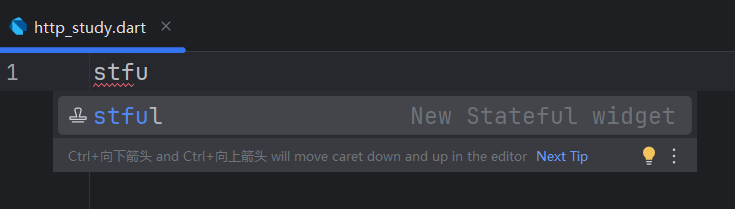
快速创建之后 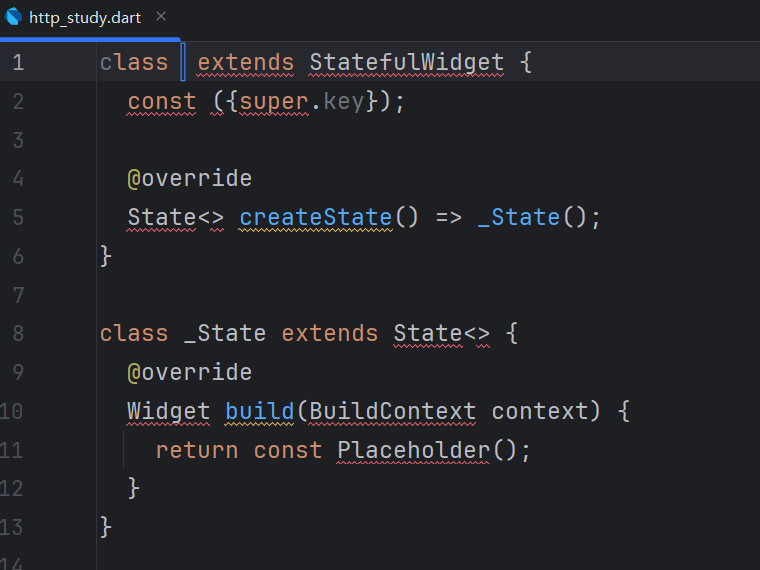
编写 get 请求
shell
import 'package:flutter/material.dart';
import 'package:http/http.dart' as http;

class HttpStudy extends StatefulWidget {
  const HttpStudy({Key? key}) : super(key: key);

  @override
  State<HttpStudy> createState() => _HttpStudyState();
}

class _HttpStudyState extends State<HttpStudy> {
  var resultShow = "";
  var resultShow2 = "";

  @override
  Widget build(BuildContext context) {
    return Scaffold(
      appBar: AppBar(title: const Text('基于Http实现网络操作')),
      body: Column(
        children: [
          _doGetBtn(),
          Text("返回结果:$resultShow"),
        ],
      ),
    );
  }

  _doGetBtn() {
    return ElevatedButton(onPressed: _doGet, child: const Text('发送Get请求'));
  }

  ///发送Get请求
  _doGet() async {
    var uri = Uri.parse(
      'https://api.geekailab.com/uapi/test/test?requestPrams=11',
    );
    var response = await http.get(uri);
    //http请求成功
    if (response.statusCode == 200) {
      setState(() {
        resultShow = response.body;
      });
    } else {
      setState(() {
        resultShow = "请求失败:code: ${response.statusCode},body:${response.body}";
      });
    }
  }
}
展示效果
在 main.dart 中注释调原有的 home,添加 HttpStudy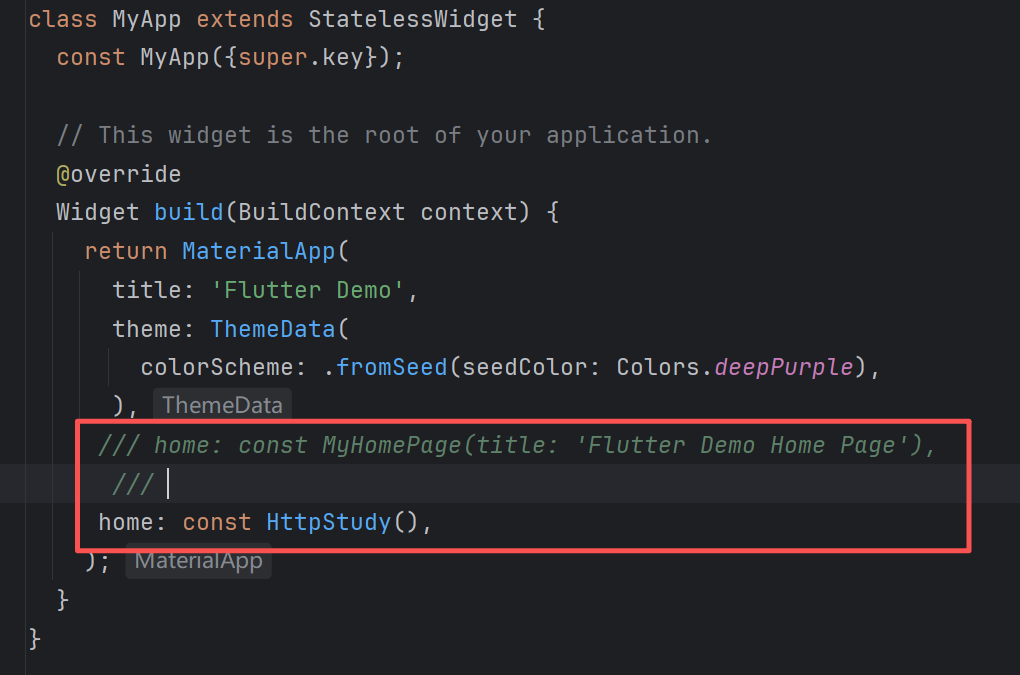
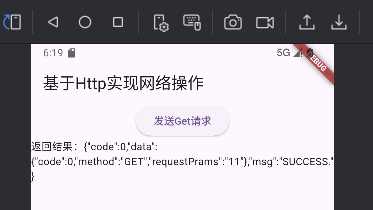
页面展示